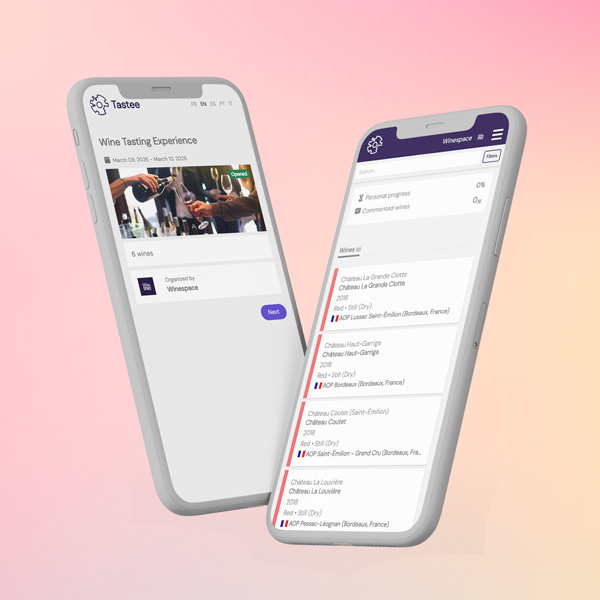
Set up your panels, collect scores and analyse results from a single platform, whether you have fifty wines or five hundred.
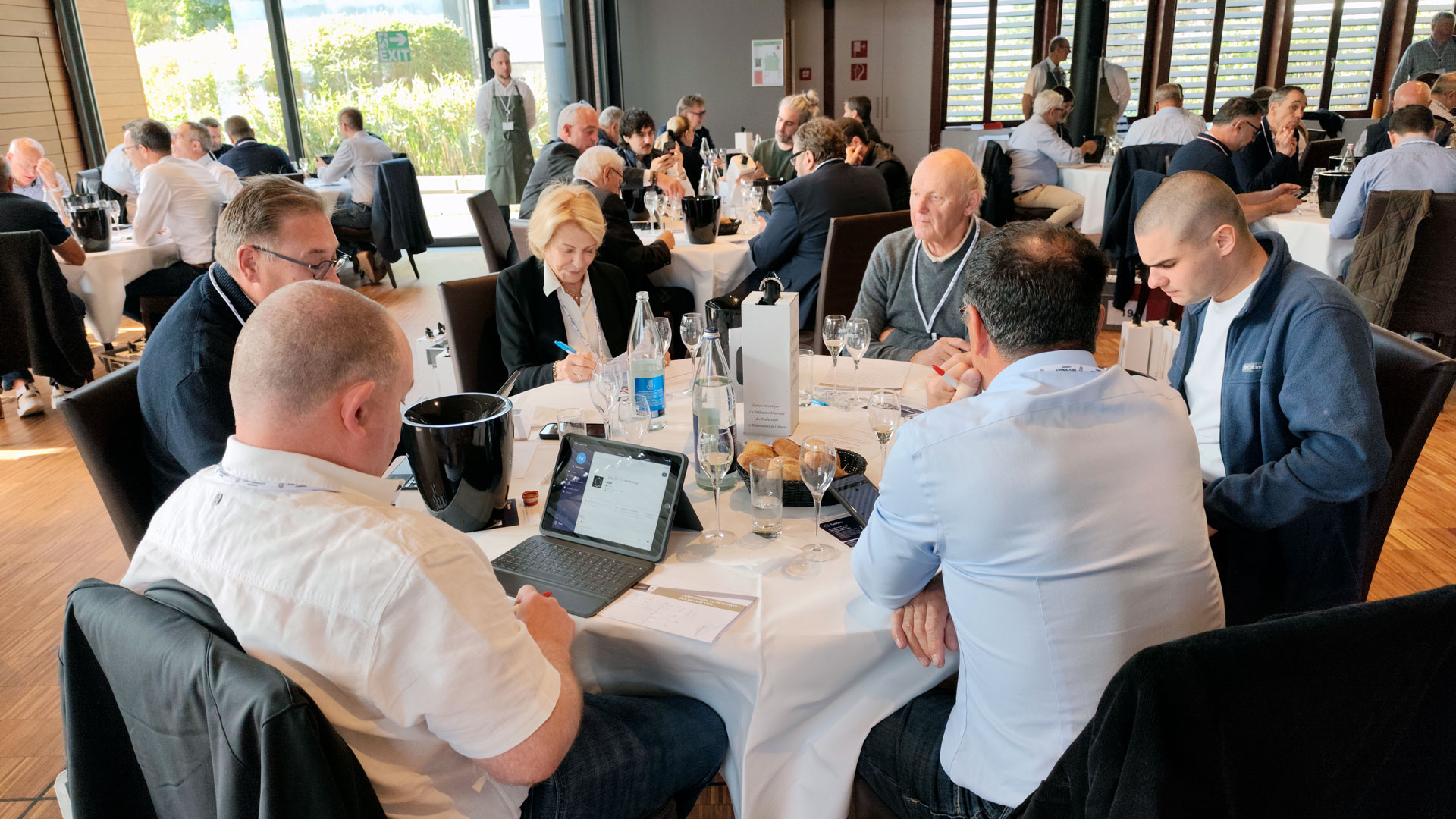
Set up your panels, collect scores, and analyse results, all from a single platform.
Running a wine competition requires precise coordination: preparing and anonymising samples, assigning panels, collecting scores, compiling results, and minimising errors. With Tastee, every step becomes simpler, more reliable, and faster.
The platform lets you create tasting sessions, invite judges, track progress in real time, and access results as soon as the competition ends, with no manual re-entry and no complex spreadsheets.
Going digital does not mean making your competition more complex. On the contrary, Tastee replaces repetitive manual tasks with a smooth workflow designed for both organisers and judges.
Tastee is not a generic form adapted for tasting. The Session feature was specifically designed for competitions, professional selections, and group tastings.
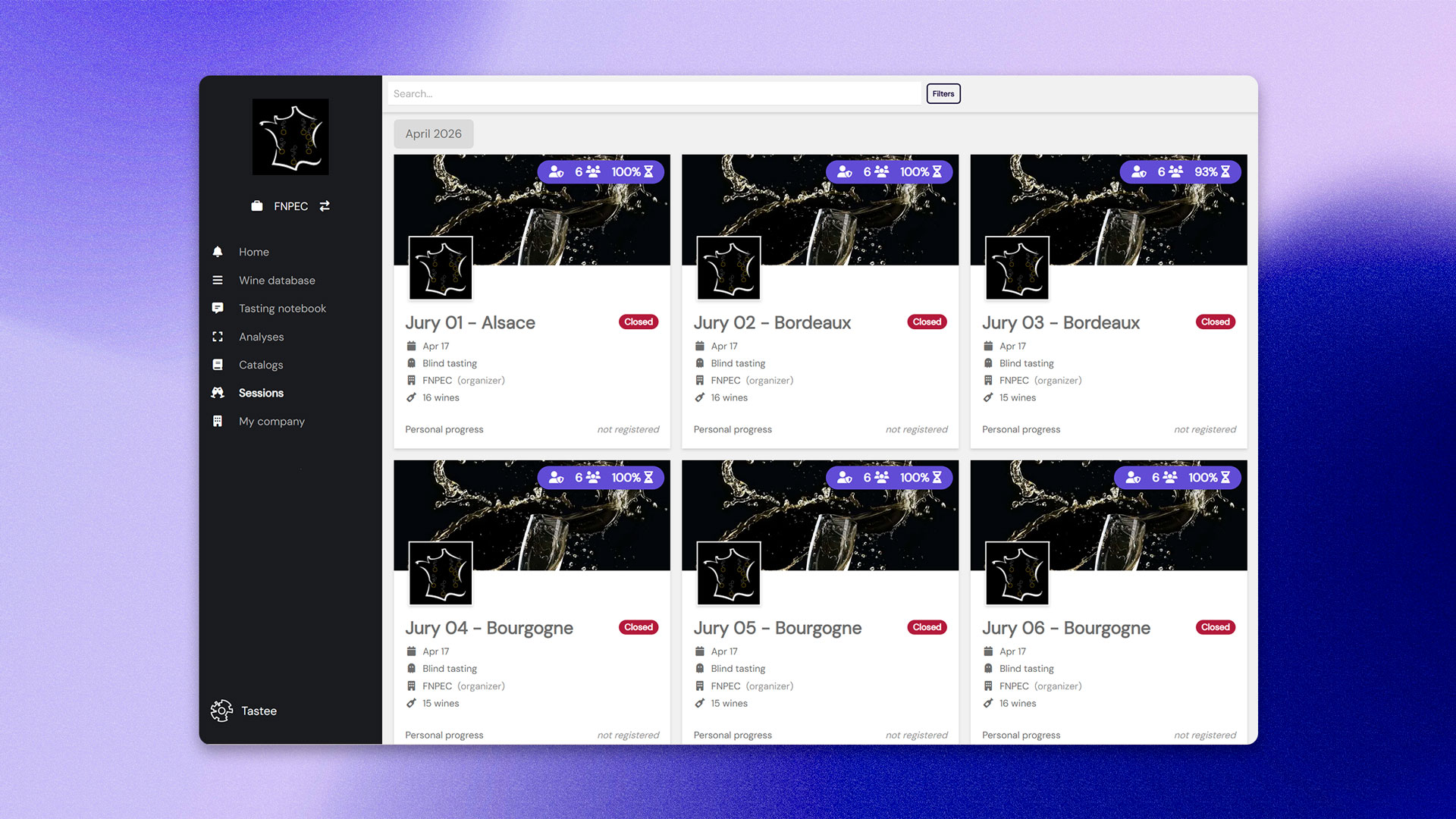
You manage every session from a clear dashboard: connected judges, wines already scored, progress by panel, missing evaluations, and average scores. You know exactly where the tasting stands, without having to chase up each table individually.
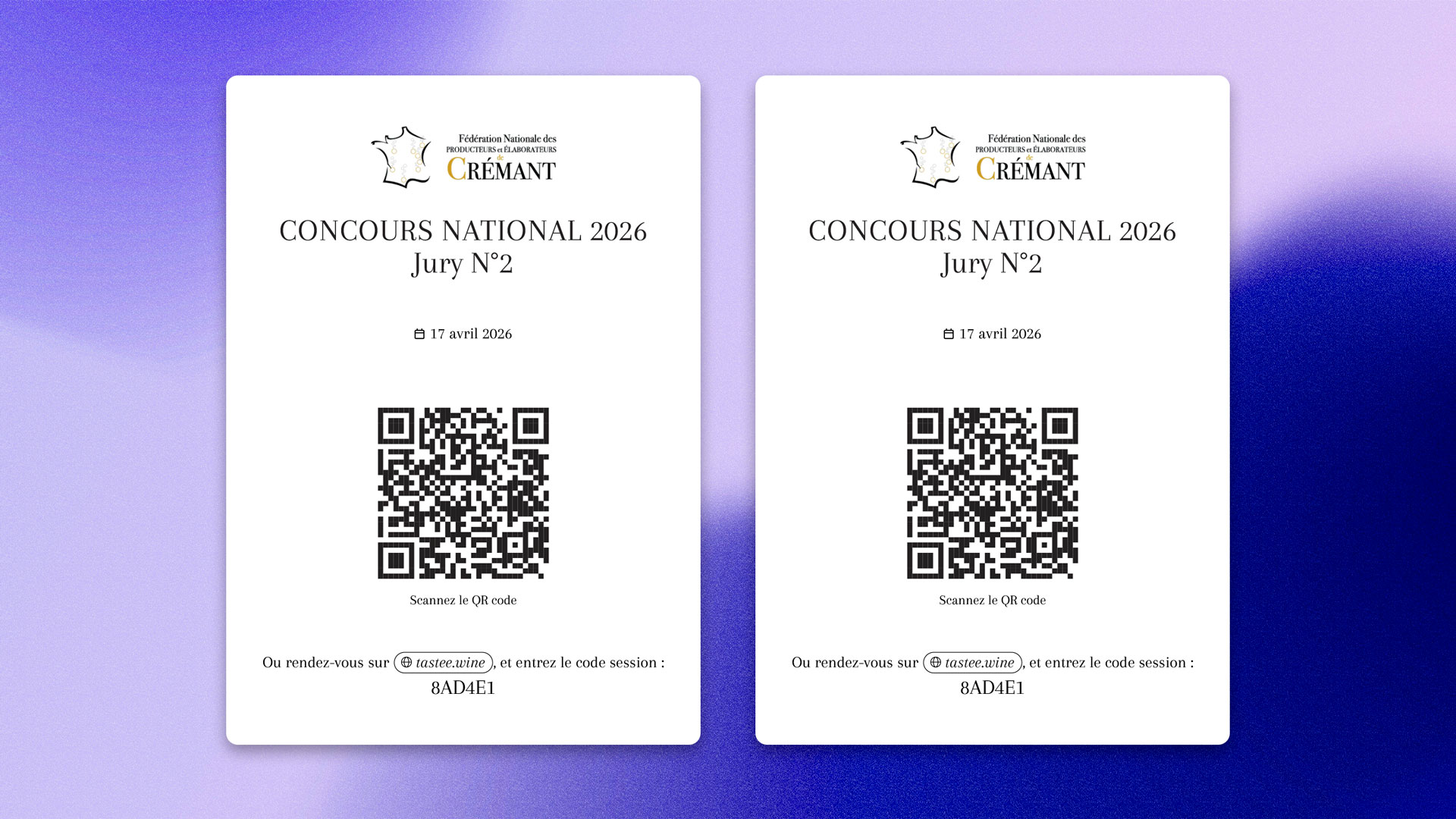
Access is simple and fast. Judges scan a QR code or enter a session code, provide their email, choose their language, and start scoring. No account required.
Tastee goes beyond the awards. The scores and comments collected become actionable data: aromatic profiles, flavour profiles, score statistics, standout wines, producer reports, and edition-by-edition tracking.
The Session feature is available on collaborative Tastee plans. For competitions with multiple panels or a large number of samples, the Winespace team can help you configure your account and set up your sessions.
In Tastee, one panel equals one session. If all judges are tasting the same wines, a single session is enough. If your competition distributes wines across several panels, create one session per panel: each judge will only have access to the wines assigned to them.
For each session, you define the name, date, venue, blind tasting mode, and scoring scale: /100, /20, or /5, depending on your criteria.
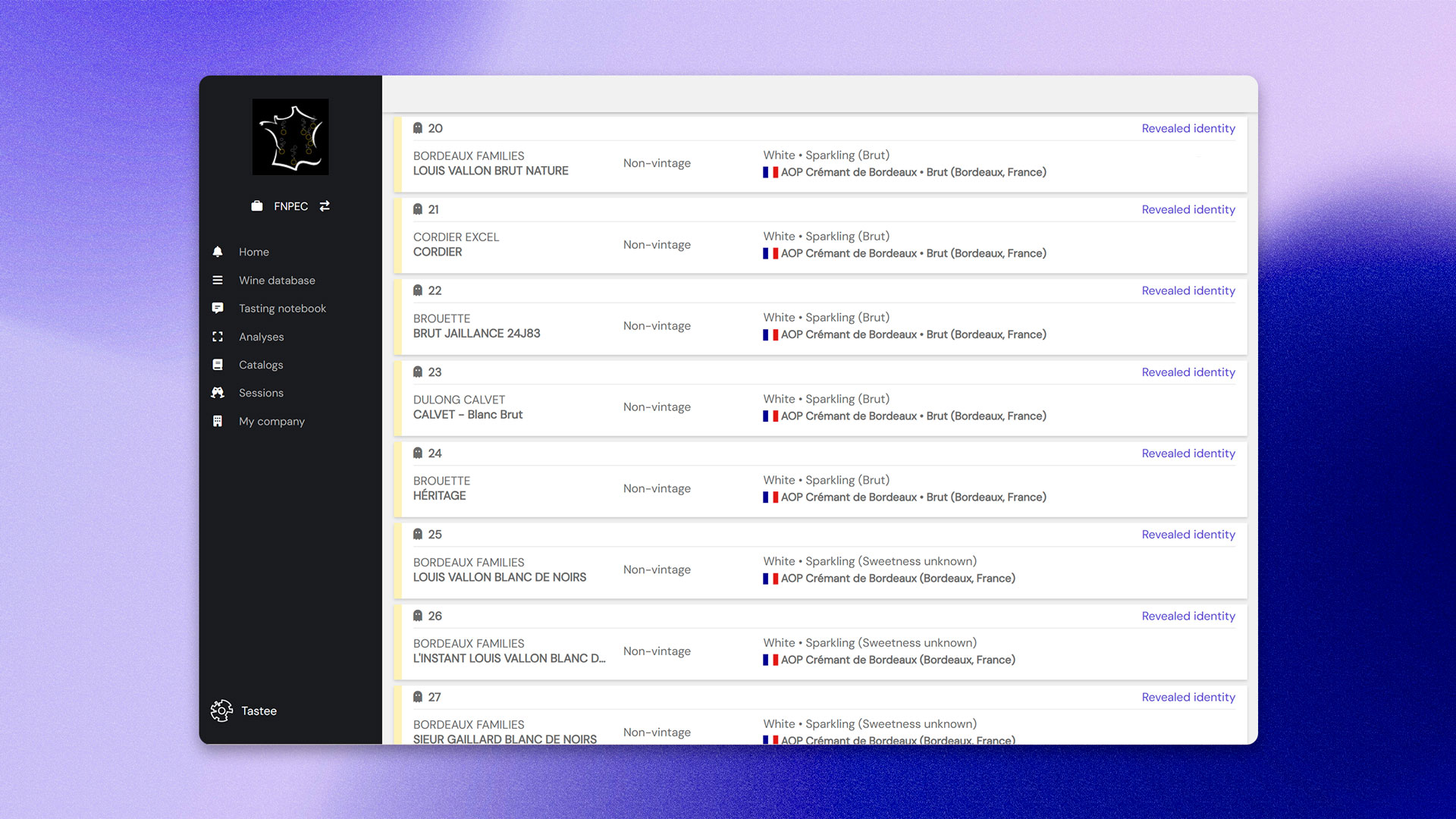
You can add wines manually for small competitions, or use an Excel or CSV import for larger volumes. Each wine can be entered with its key details: estate, cuvée, type, appellation, vintage, and anonymisation number if needed.
The tasting order can be adjusted right up to the final preparation before the event.
Once the session is ready, Tastee provides several access methods:
On the day of the event, the organiser opens the session from their dashboard. While the session remains on standby, judges cannot access it. You retain full control until the official start.
Participants join the session from their smartphone, tablet, or computer. In under a minute, they access the list of wines to taste and can begin their evaluations.
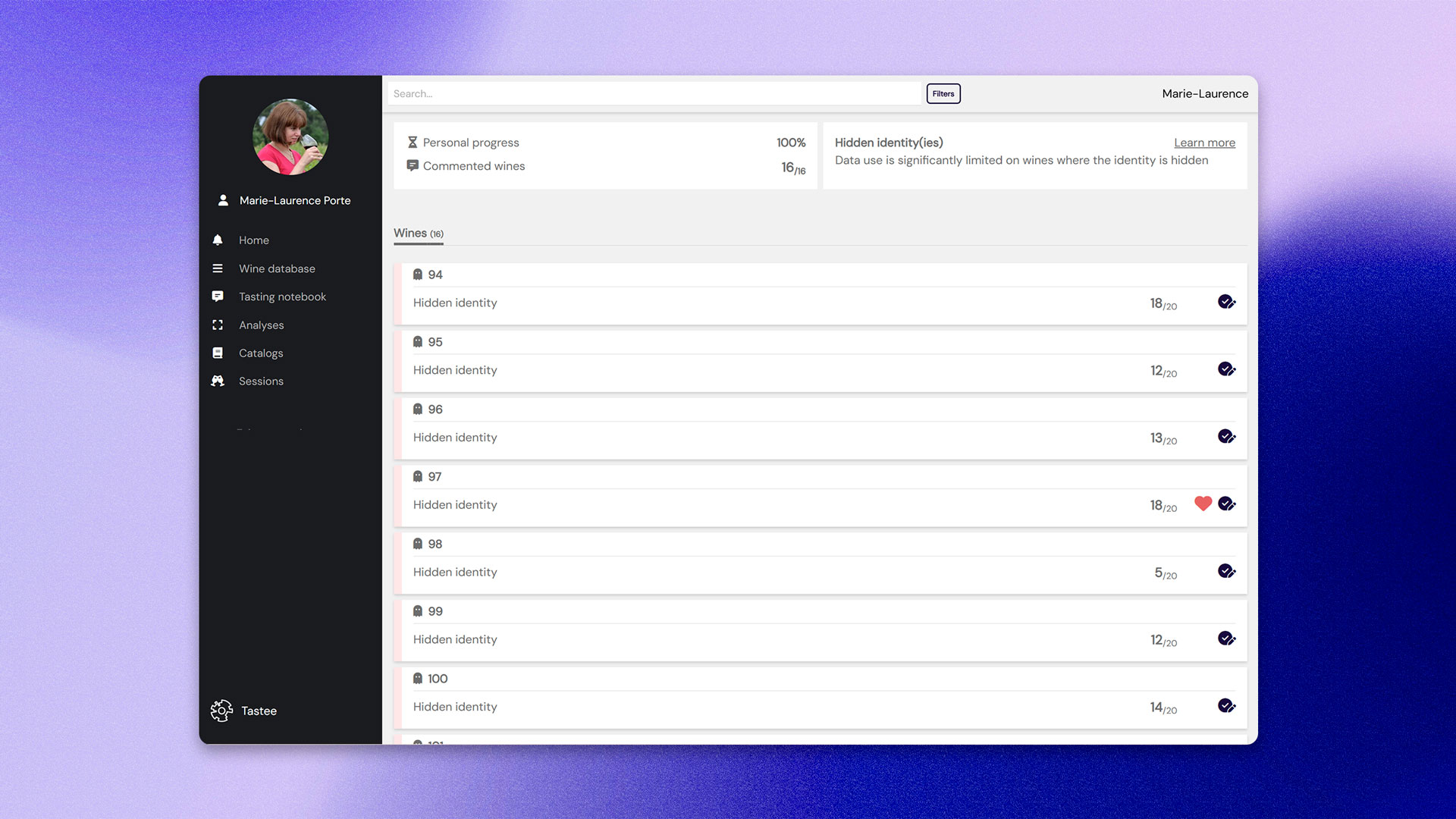
On the judge's side, the experience is intentionally straightforward: select the wine being tasted, write a comment, assign a score, and save. By default, each judge only sees their own scores and comments.
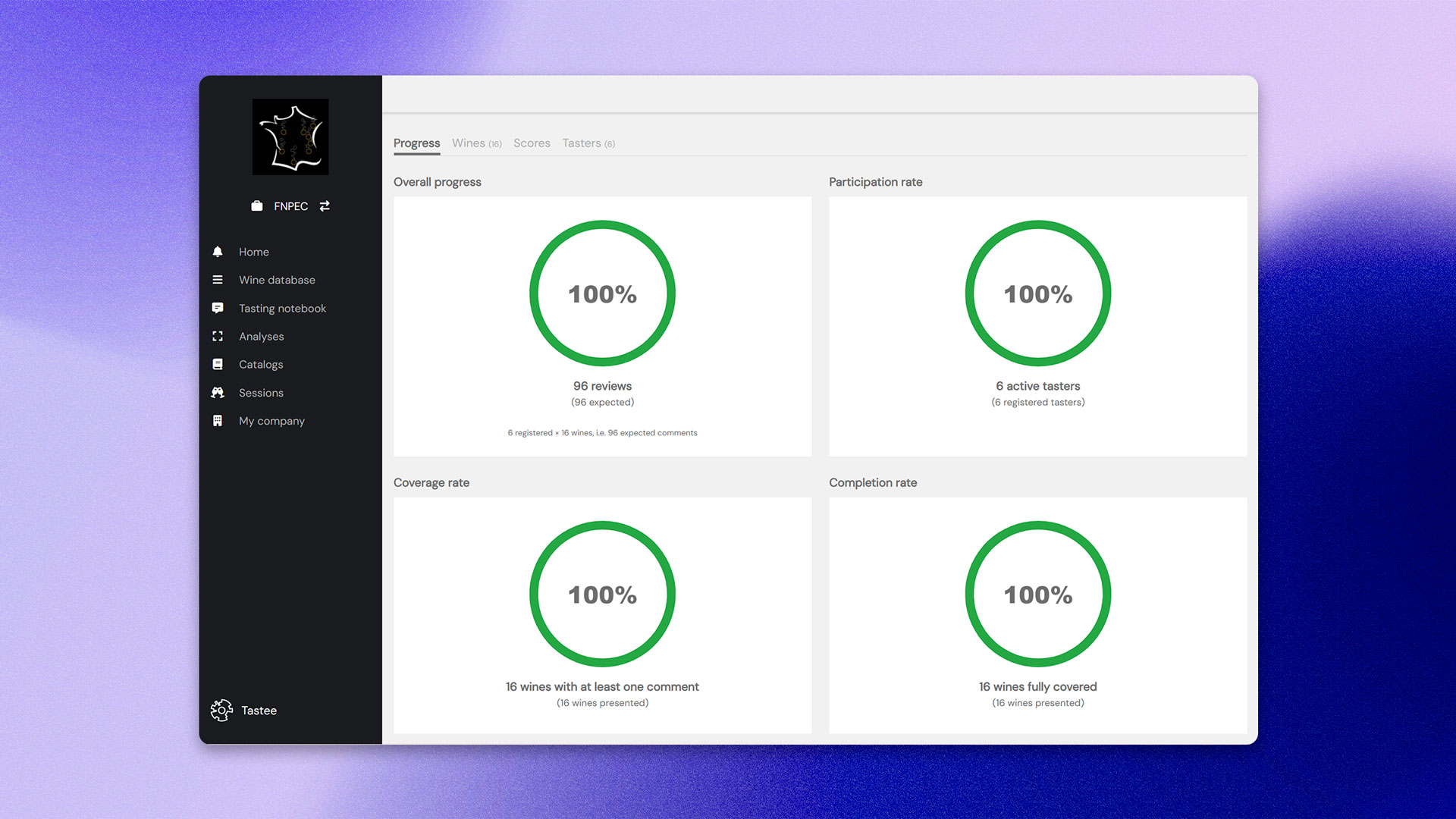
On the organiser's side, the dashboard lets you track each panel's progress: number of connected judges, wines already scored, completion percentage, average scores, and remaining evaluations.
For competitions with collective deliberation, a designated panel leader can access the average scores and full evaluation details for their panel, giving them an objective basis to facilitate discussion and refine the final selection.
Once all evaluations have been submitted, the organiser closes the session. Scores are then locked and judges can no longer make changes.
Once the sessions are closed, results are ready to use. You can identify winners according to your own criteria: by panel, by category, or across all samples. Scores are already calculated, aggregated, and ready to use.
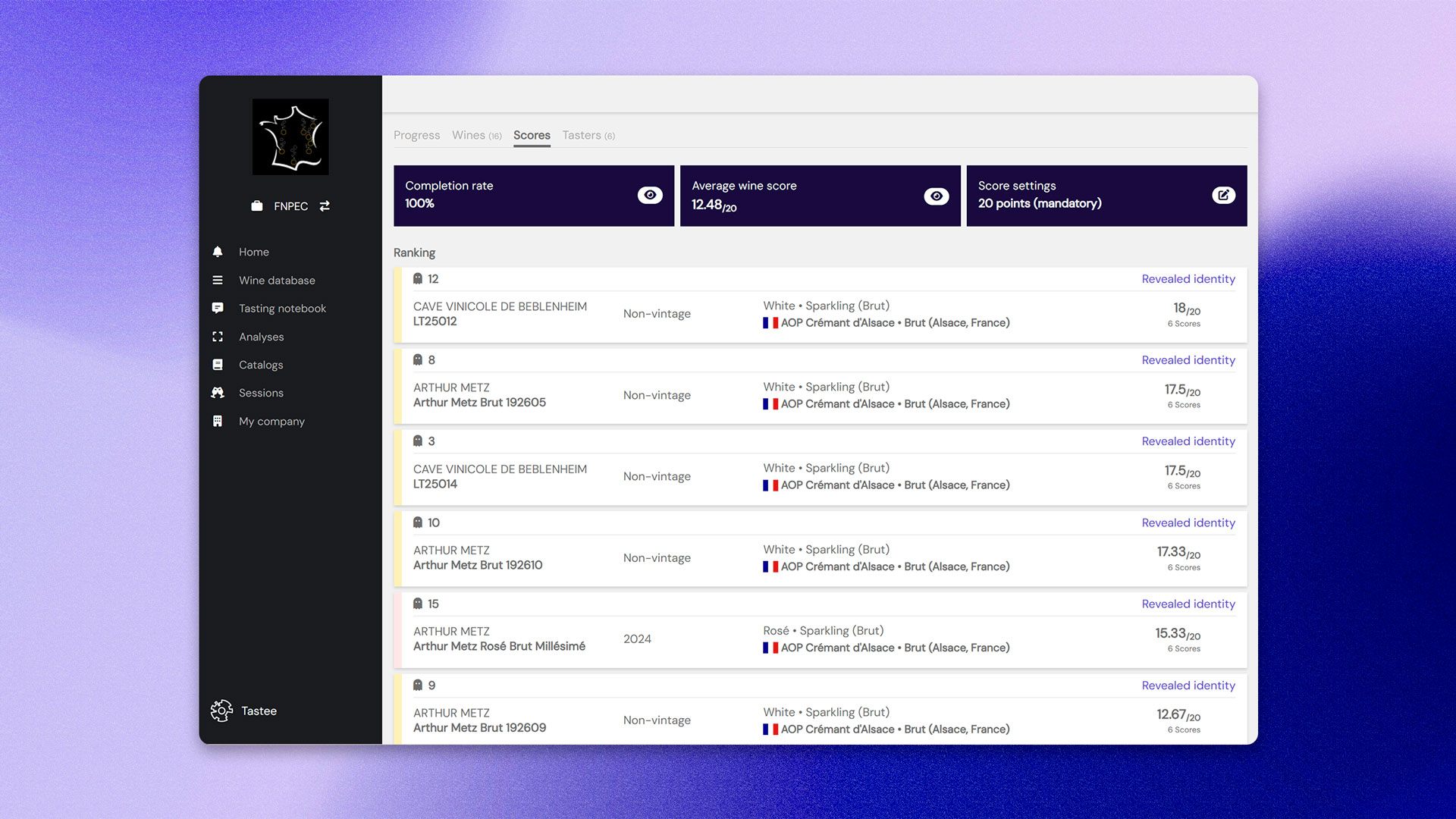
The awards are only part of what a competition produces. The comments collected are also a valuable analytical resource. Tastee turns these evaluations into sensory profiles: perceived aromas, flavour balance, strengths identified by the judges, score statistics, and standout wines.
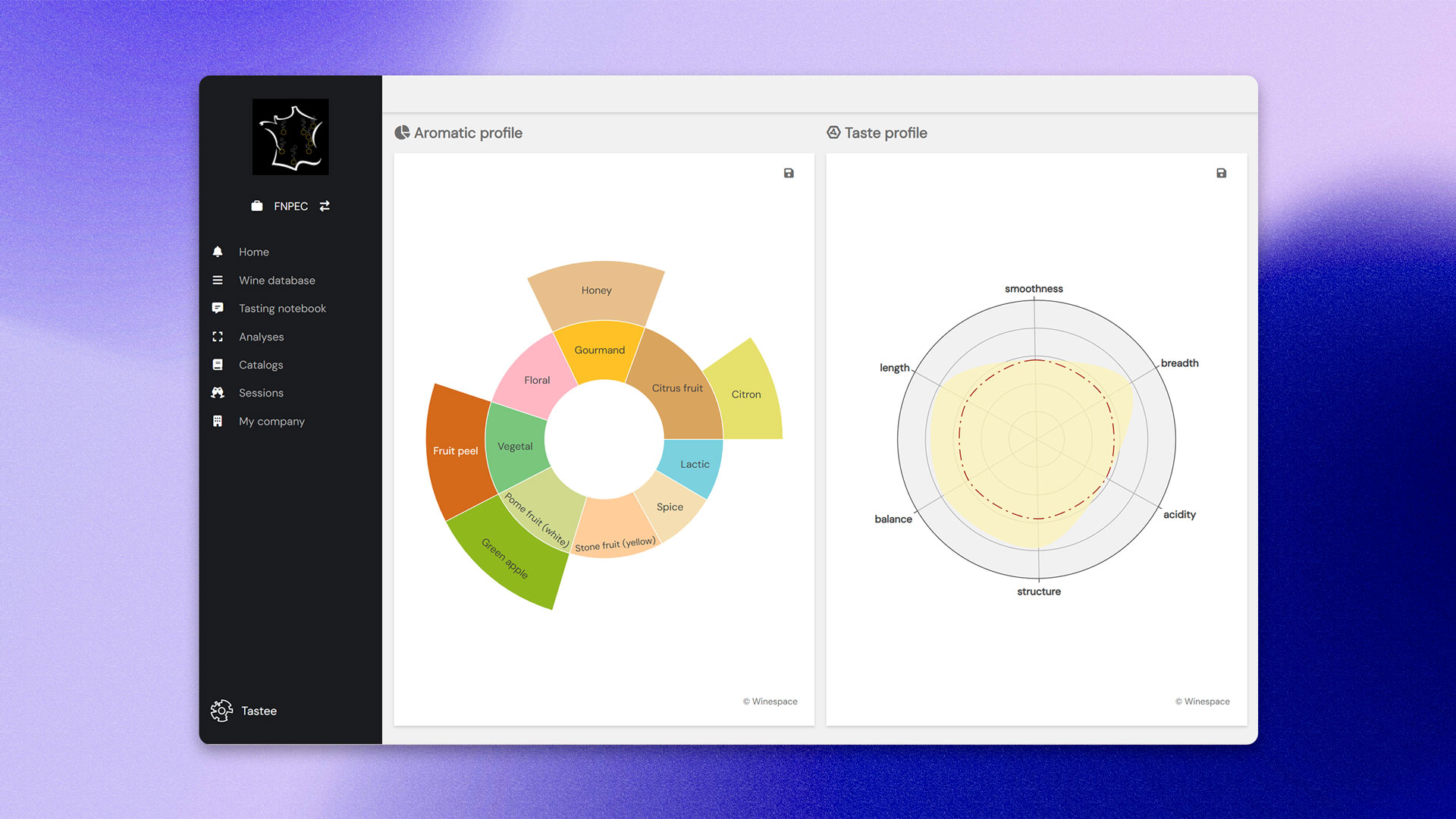
This data can then be used to share reports with producers, enrich communications around the wines, compare editions, or track how vintages evolve over time.
All data collected is securely archived in your Tastee account.
From panel setup to results analysis, Tastee covers every step of a wine competition from a single platform.
You have a competition to organise. Tastee is ready.
Whether you have 50 wines or 500, one panel or ten, the Session feature adapts to your format. The Winespace team will support you from configuration through to competition day.
One panel or ten, fifty wines or five hundred: the Winespace team supports you from configuration through to competition day.
Tell us about your competition