Write the way you always have. Find it all, instantly.

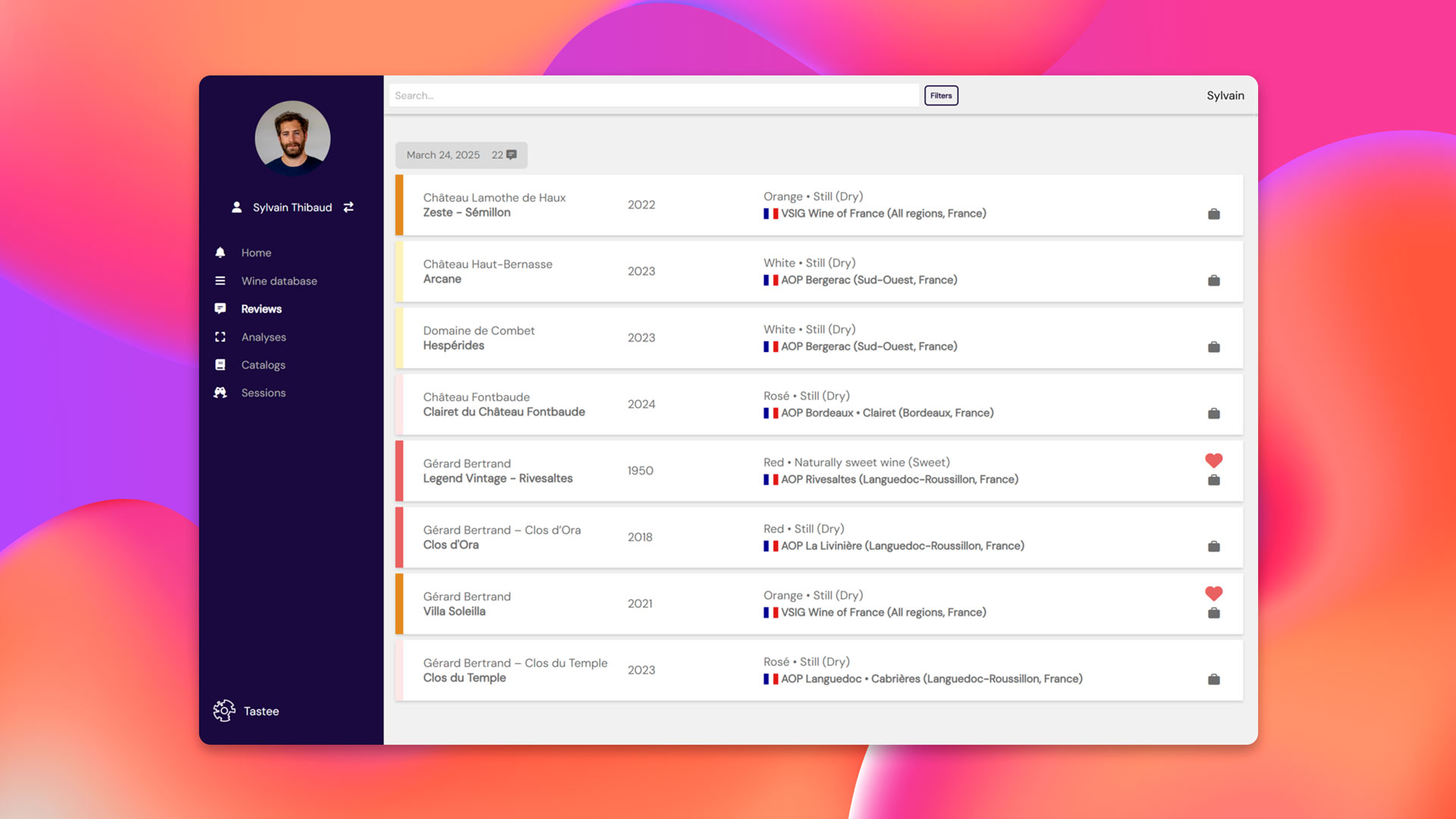
Write your tasting notes the way you always have, in your own words. Tastee keeps them searchable and comparable, tasting after tasting, and your whole history stays one click away.
Try it for free
Screenshot of the “Notebook” tab in the Tastee.wine app, showing a list of wine tasting review cards with details such as wine name, vintage, style, and appellation.

Instantly identify the products you’re tasting

Search for your wine or spirit in the Tastee suggestions database. Not there yet? Create it in just a few clicks.
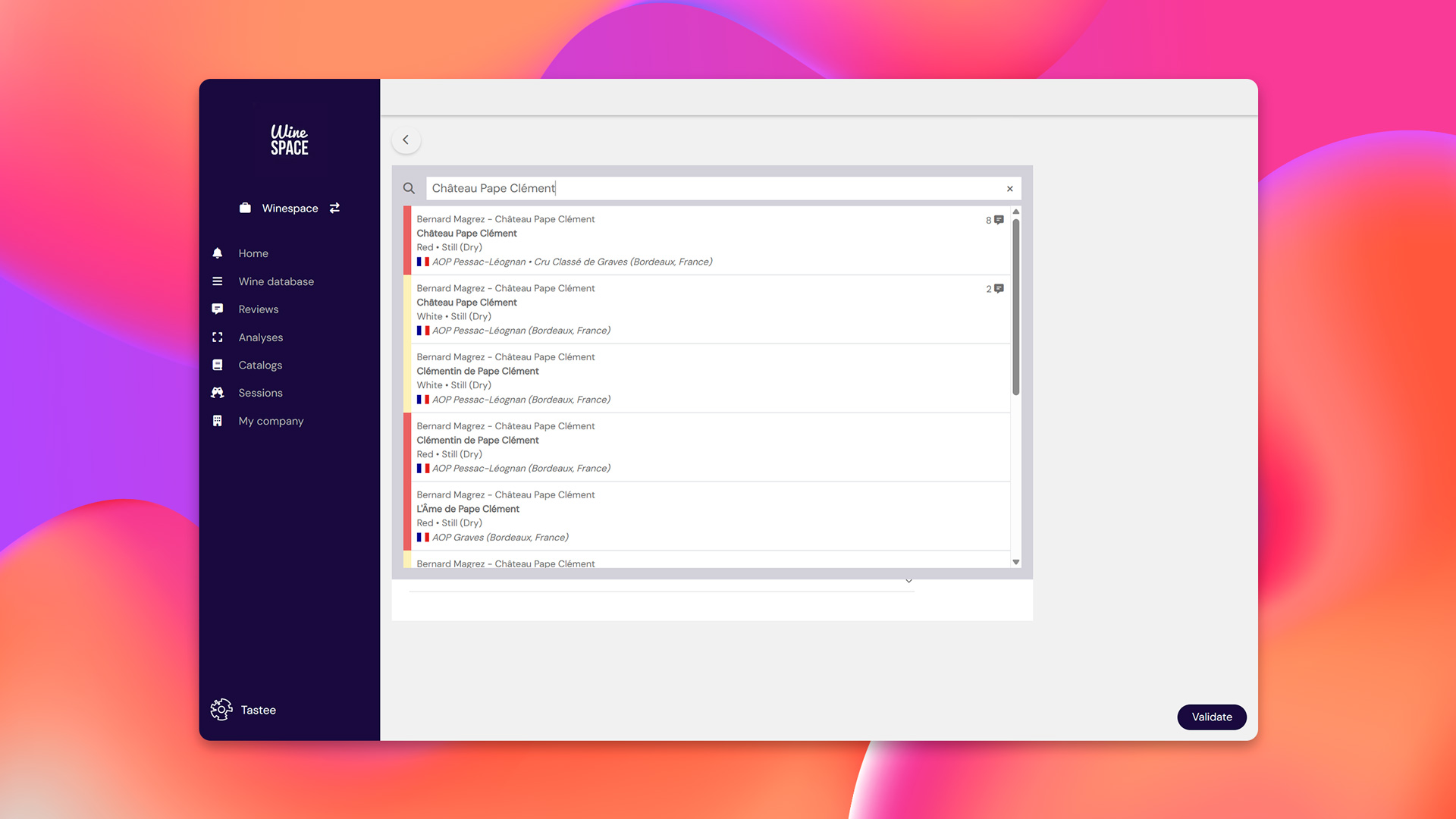
Screenshot of the Tastee.wine app showing the wine search bar with cuvée suggestions, helping users quickly identify the wine they are tasting.

Write your notes just the way you’re used to

In the language of your choice, with your vocabulary, your style
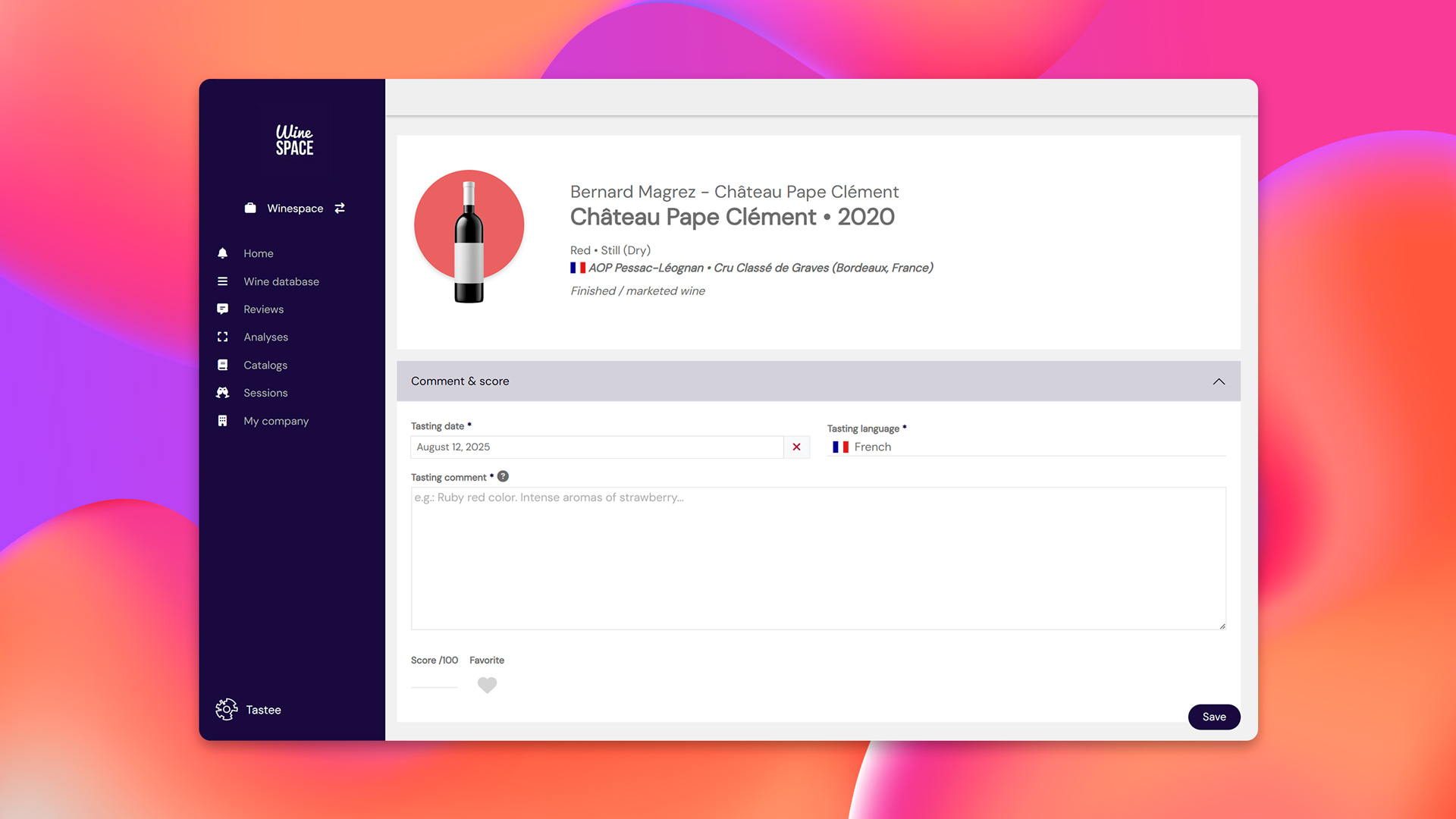
Screenshot of the Tastee.wine app showing the wine comment entry interface, with details of the wine being tasted and fields to add tasting notes, score, and preferences.

Add any valuable information

Blend, winemaking methods, food and wine pairings, label and back label photos, technical sheets… Add and attach anything that might be useful and that you want to easily find later.
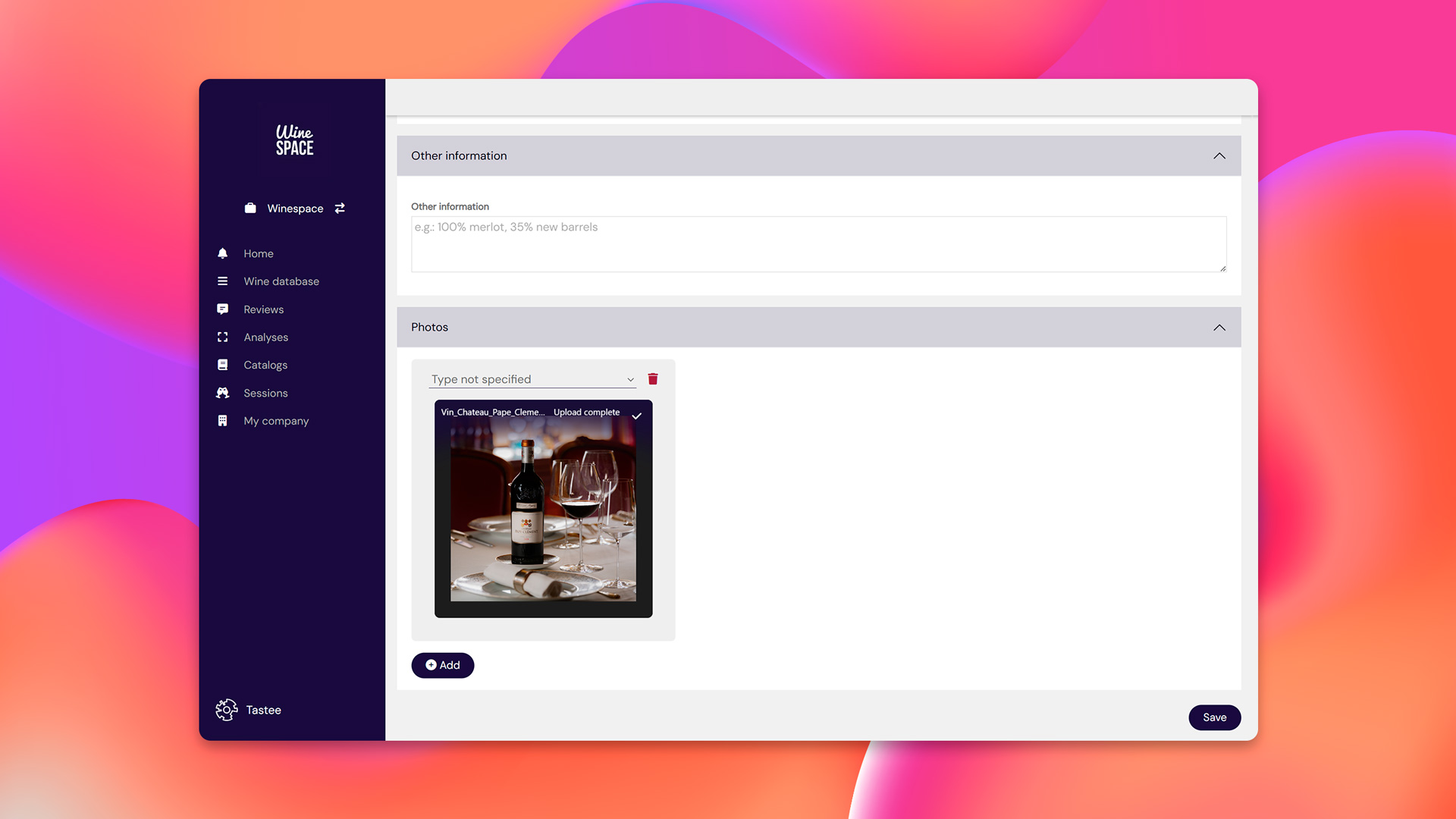
Screenshot of the Tastee.wine app showing the wine comment entry interface with additional fields for other information and photo uploads of the wine.

Access your data easily, wherever you are

Find your notes instantly with filters and the search bar.
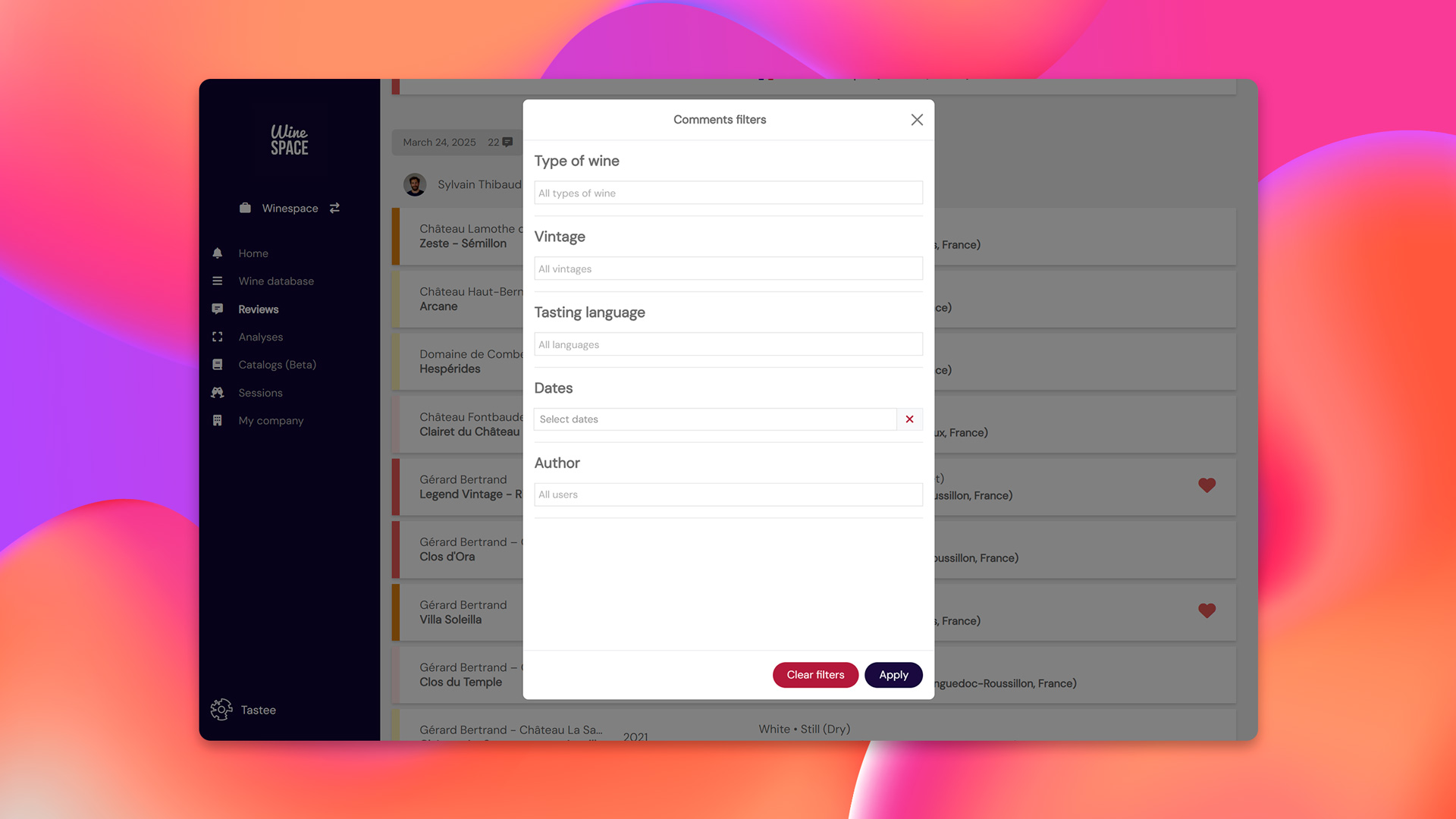
Screenshot of the Tastee.wine app showing the comment filter interface, where users can search their tasting notes by type of wine, vintage, language, date, and author.

Collaborative features

Taste on your own, work as a team

All your team’s reviews and score, in one place

All team members’ tasting notes are automatically centralized and organized by cuvée, estate, and vintage.
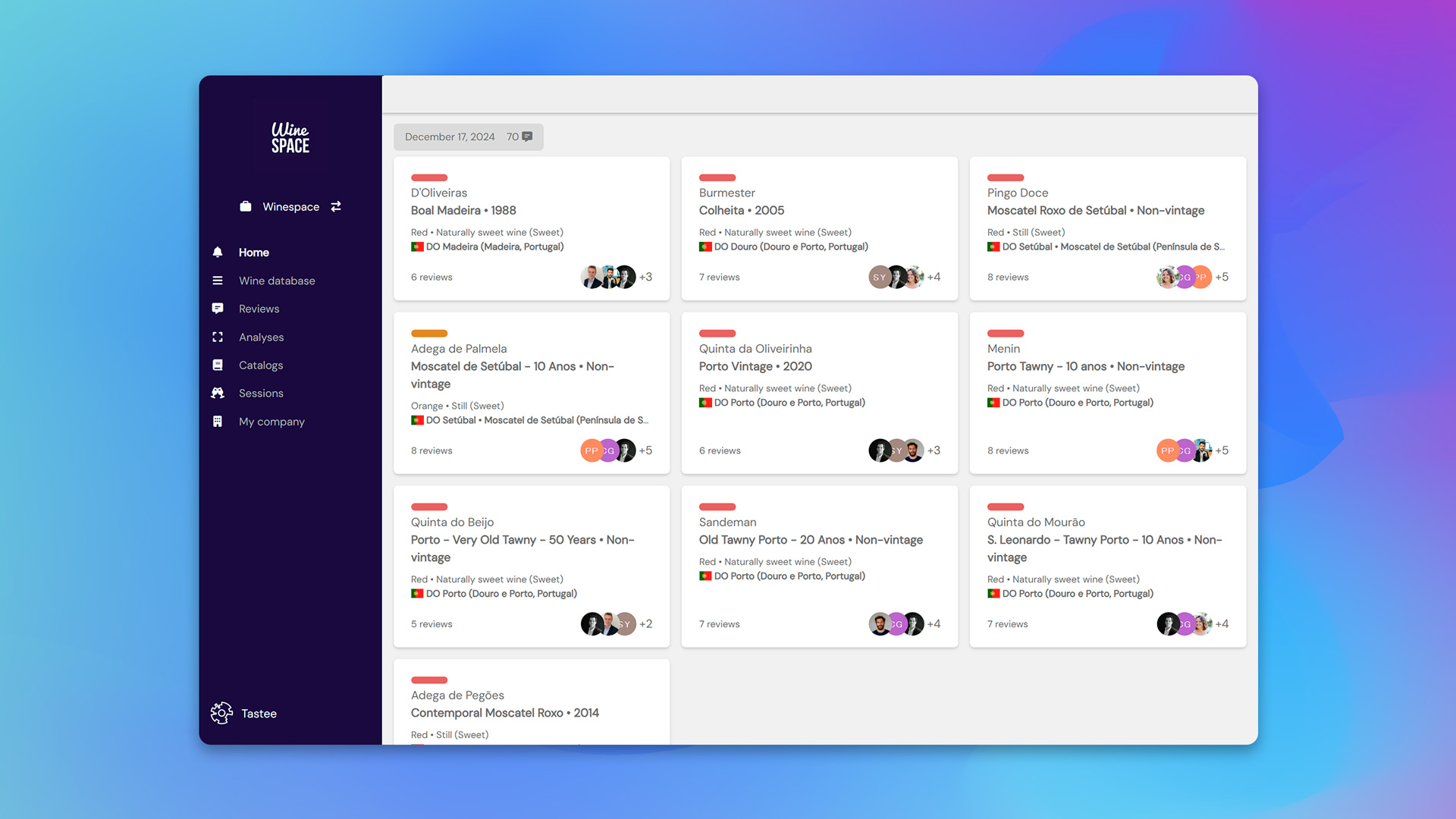
Screenshot of the Tastee.wine app home page, showing recently tasted wines displayed as cards with wine details, number of reviews, and tasters’ profiles.

Data that stays, even when the team changes

Add members, adjust access, and keep full control of your data. Even when someone leaves, your entire history remains intact and accessible anytime.
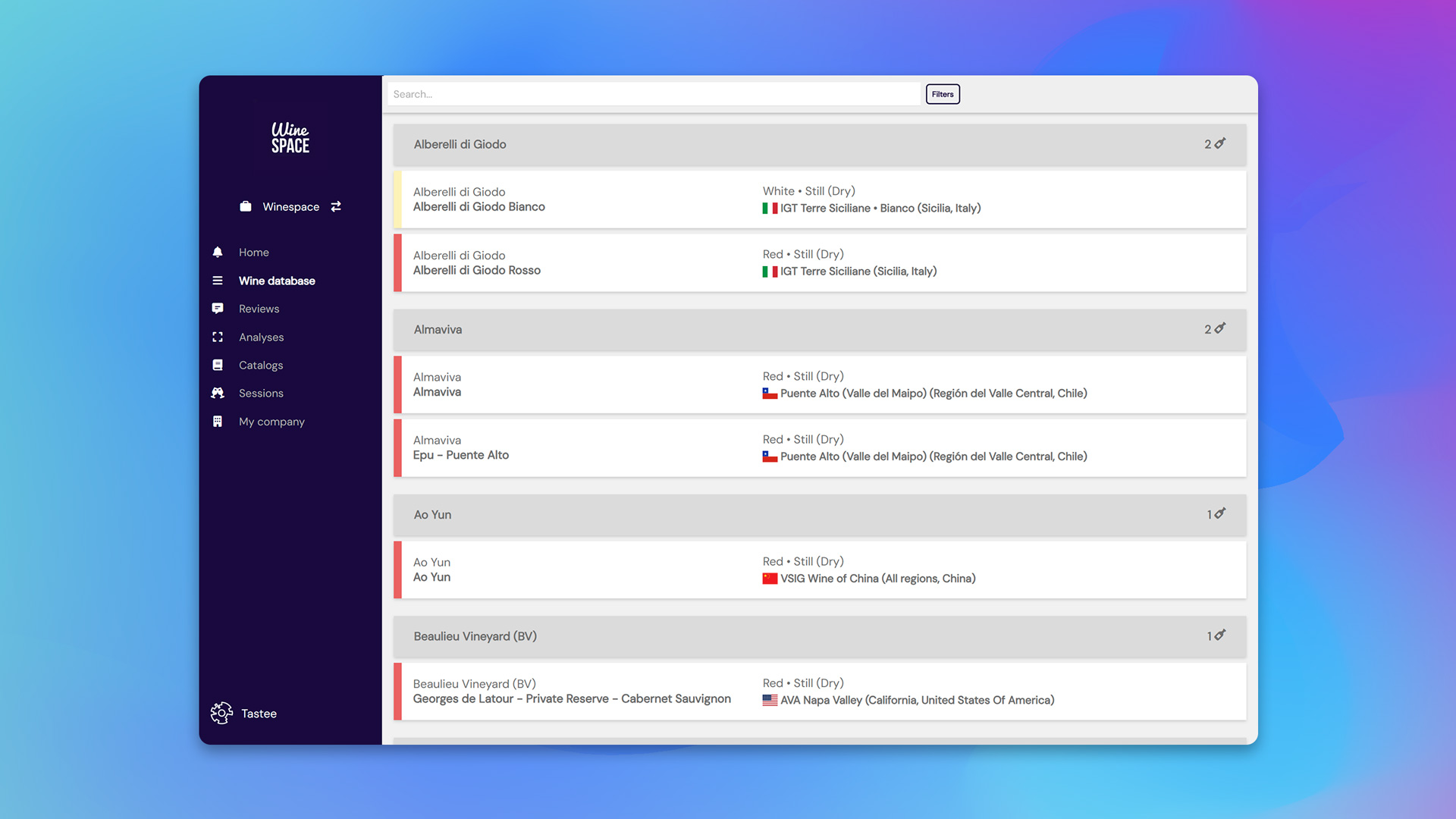
Screenshot of the Tastee.wine app showing the wine database interface, where wines are organized and classified by estate, cuvée, and vintage.

More sharing, more collective intelligence

Access all your team’s comments, compare impressions, and deepen your understanding of taste together.
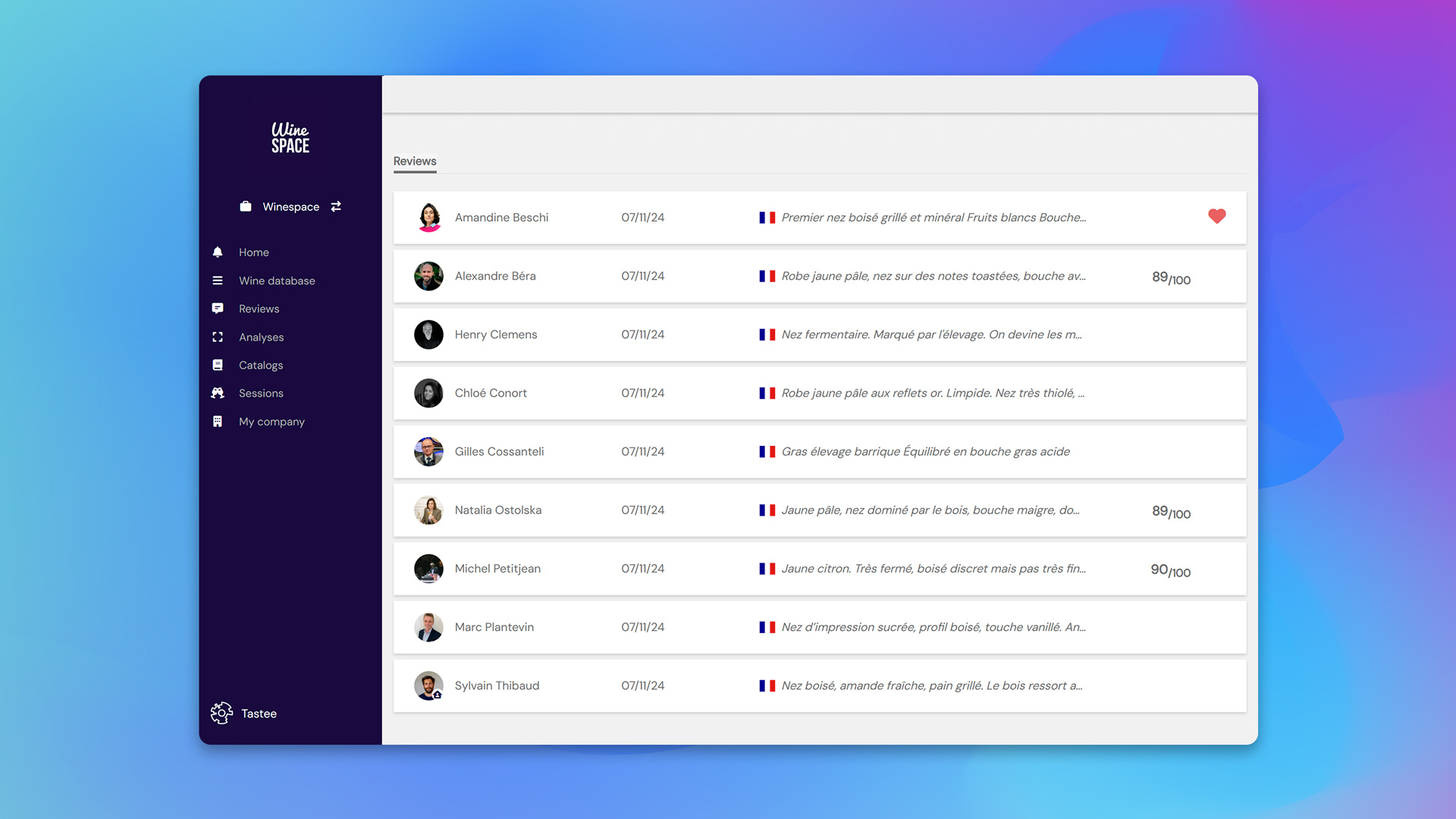

Screenshot of the Tastee.wine app showing the reviews interface, listing all tasting comments written on a specific cuvée with tasters’ names, dates, and scores.

Start with your next tasting.

Create your account, write a first note, and see what Tastee reads in it. Free plan, no card required.
Try it for freeSee pricing