Manage users invitation and role in Session
Invite your tasters and give each of them a role, so everyone sees exactly what their job requires.
Session now lets you invite your tasters and manage their role.
Invite a panel, not one person at a time
Add your tasters to a session and give them access in a few clicks. On a large panel, what matters is keeping the entry barrier at zero: no account to create and no password to remember for the people who simply come to taste.
A role for each way of taking part
Not everyone in a session needs the same view. Organising a tasting, leading a table and filling in a tasting sheet are three different jobs. Roles let you give each participant the access their job requires, and only that. A taster stays focused on their own sheet, which protects the independence of the panel.
Adjust as the session goes
A taster who moves to another table, someone who arrives late, a president who has to leave: roles can be changed during the session, without interrupting anyone.
Availability
Invitations and role management are available in Tastee Session, from a browser, with nothing to install.
Set up your next tasting panel
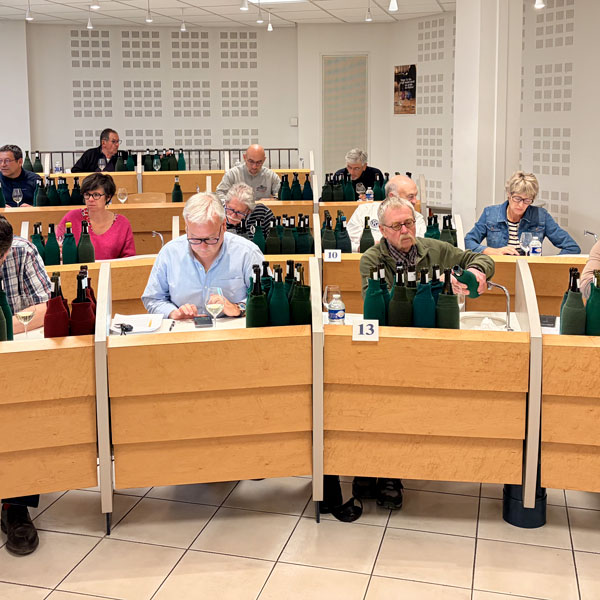
Invite your tasters, assign their roles and run the session from any browser, whether you are ten around a table or a hundred and eighty across thirty juries.
Try Tastee